 Cool Off

Help and support
Add the Home Screen widget
Touch and hold an empty spot on the Home Screen.
Hold until the icons start to wiggle.
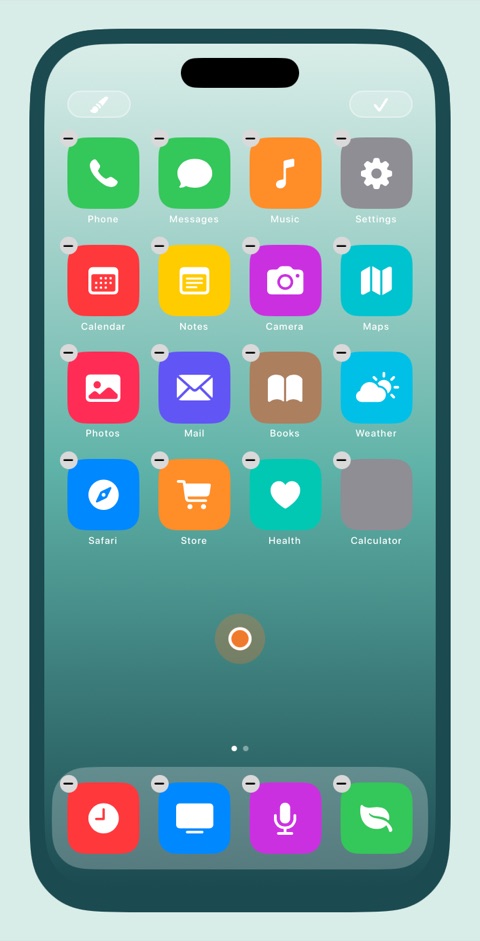
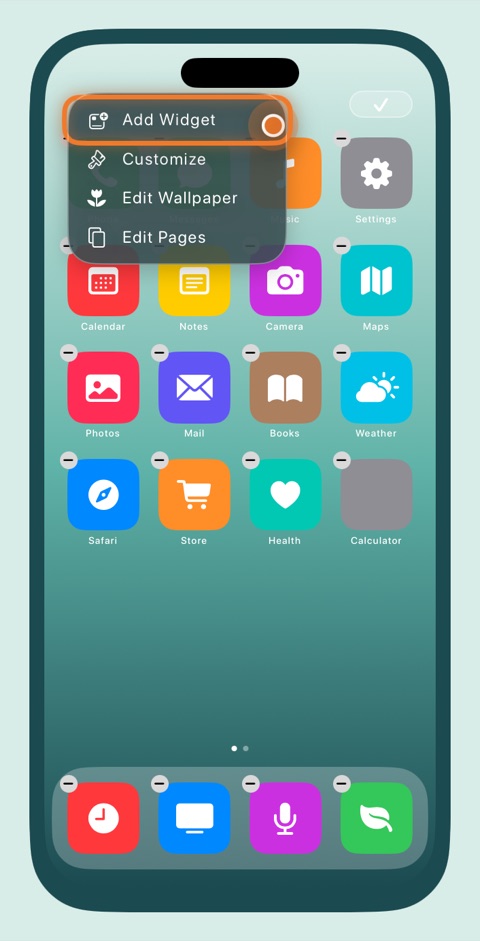
Tap the brush in the top-left corner, then Add Widget.
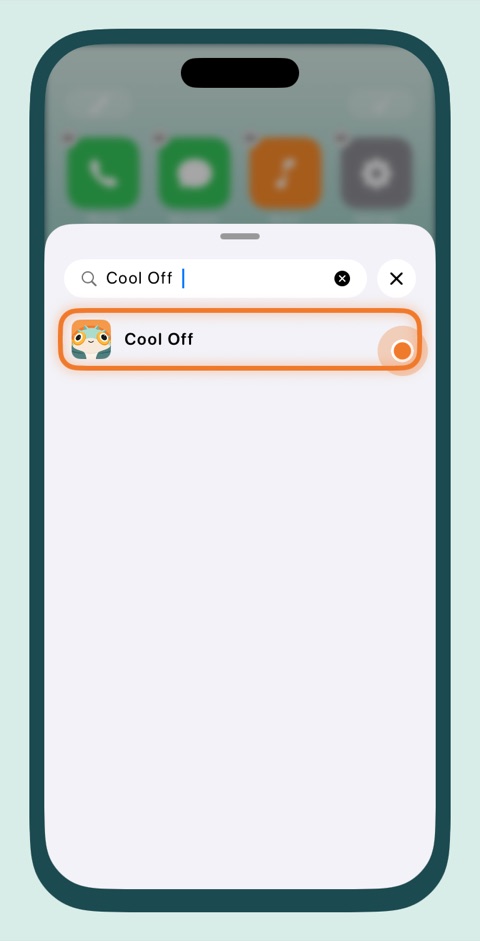
Search for Cool Off and tap it.
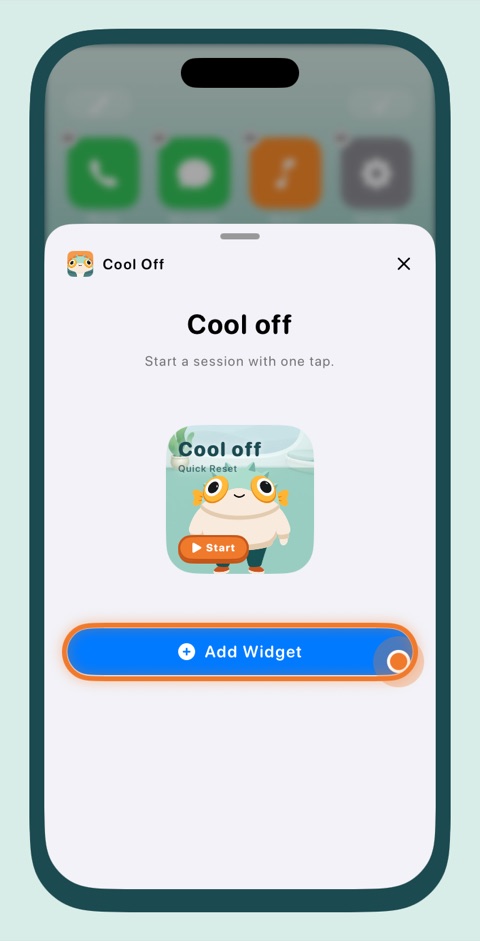
Tap Add Widget.
Tap the check mark in the top-right corner.
Drag the widget wherever you like first.
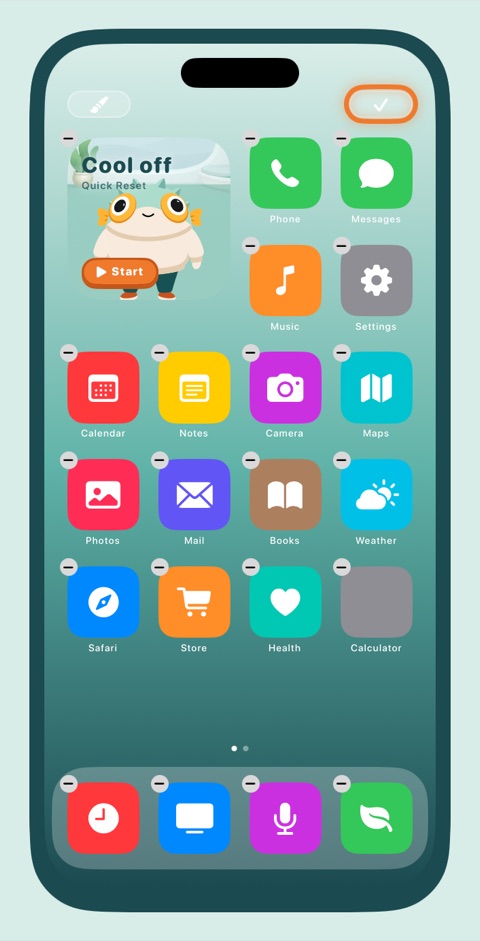
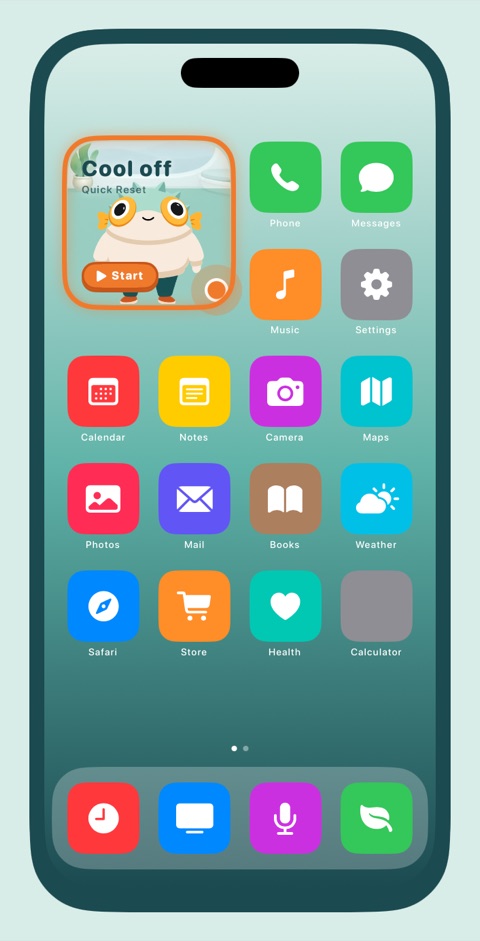
Tap the widget to start your default preset.
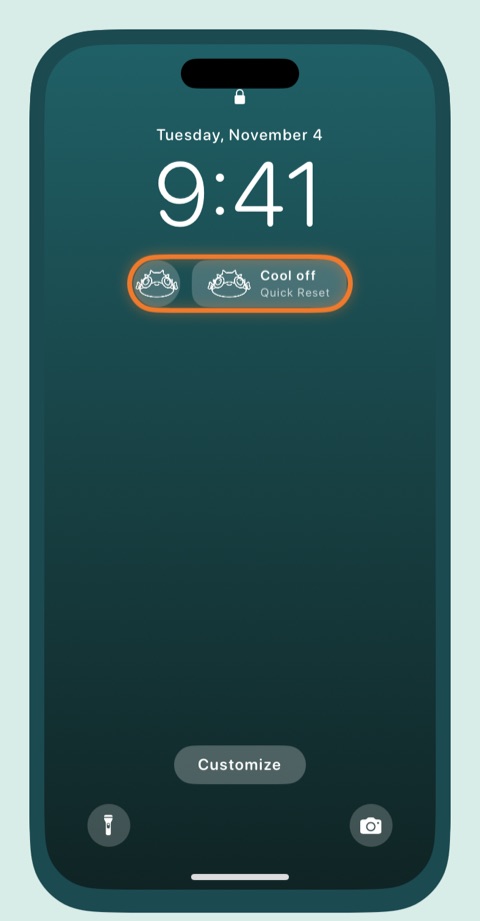
It fits the Lock Screen too.
Touch and hold the Lock Screen, tap Customize, then tap the area under the time and choose Cool Off.
Adding this widget earns Huff's blue jacket. Open Cool Off again afterwards and it is his.