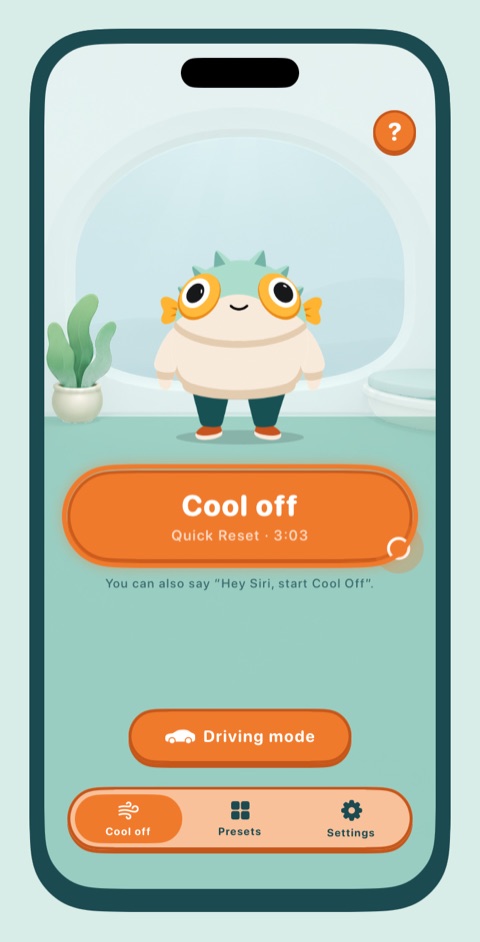
 Cool Off

Help and support
Start a session when the app opens
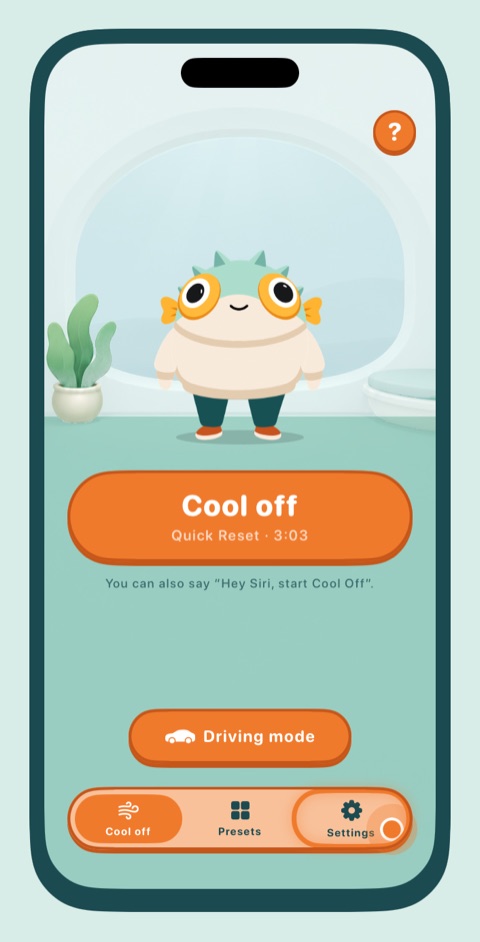
Tap the Settings tab.
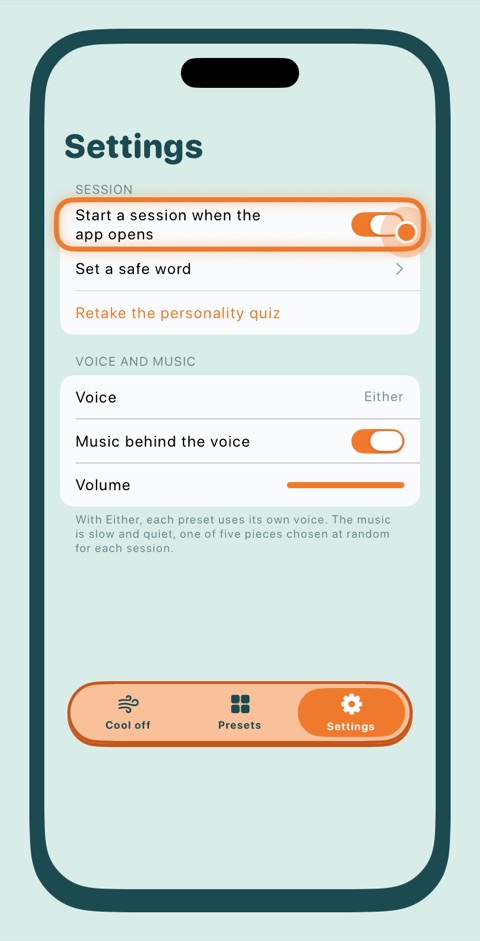
Under Session, switch Start a session when the app opens on or off.
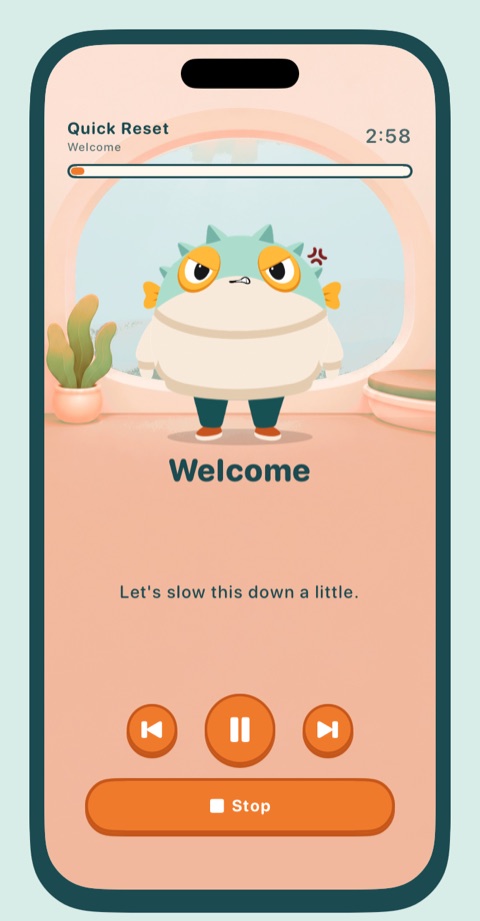
On: opening Cool Off starts your default preset straight away.
Every time you open it. A session already going carries on. Tap Stop to go to the home screen.
Off: Cool Off opens to the home screen, and you tap Cool off when you want a session.